Modular and lightweight backup utility to save, encrypt and verify your personal data.
## Usage
`backup.py` supports two major options: `--backup`, to create a new backup and `--extract`
to extract an existing backup archive.
In order to create a backup file, you first need to create a *"sources file"* to specify
the absolute paths to backup. For instance:
```ini
# directories end with a slash...
photos=/home/marco/Pictures/
documents=/home/marco/Documents/
# while individual files do not
wireguard=/etc/wireguard/wg0.conf
```
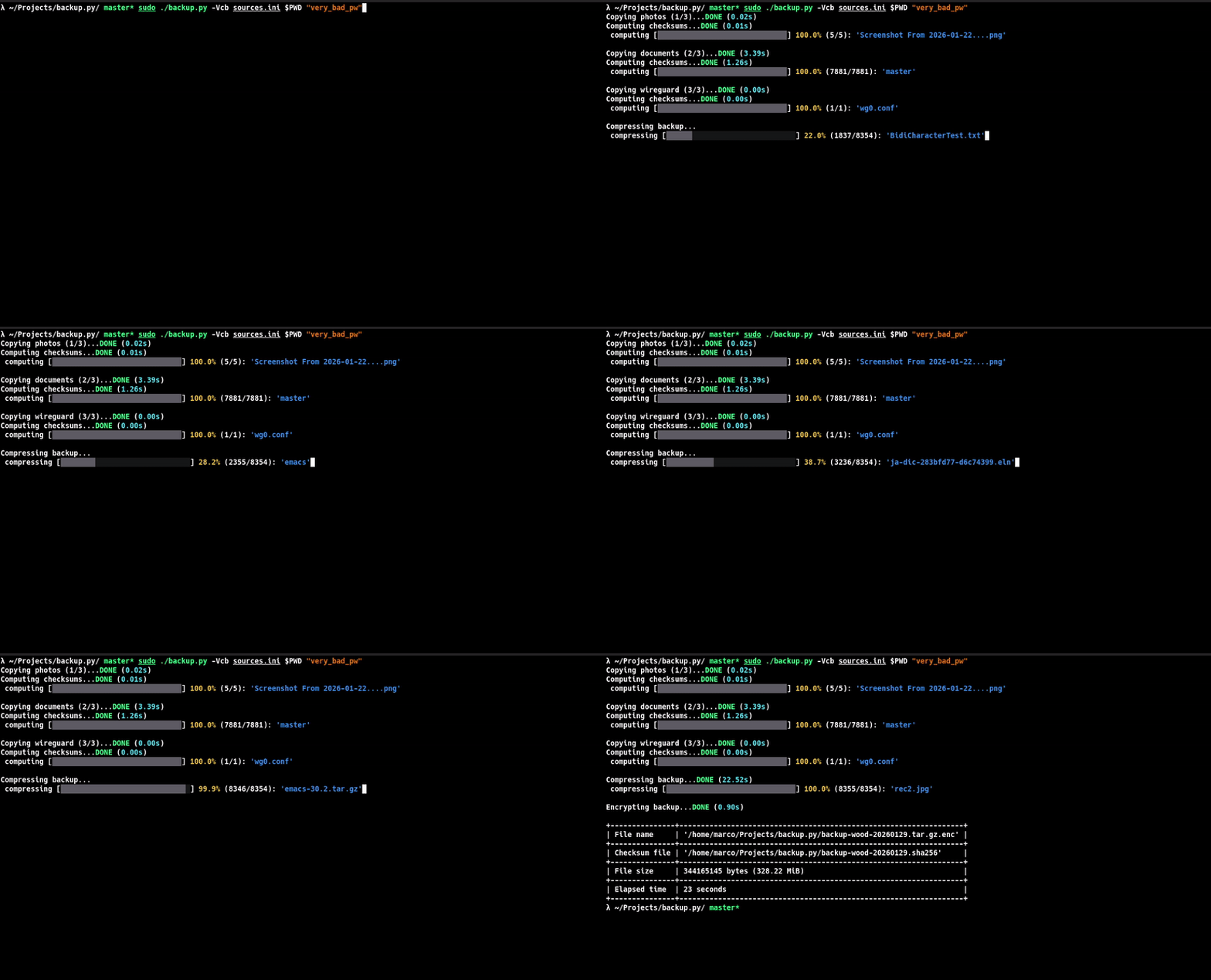
Then, you can start the backup process with the following command:
```sh
$ sudo ./backup.py --verbose --checksum --backup sources.ini $PWD "very_bad_pw"
Copying photos (1/3)...DONE (0.02s)
Computing checksums...DONE (0.01s)
computing [██████████████████████████████] 100.0% (5/5): 'Screenshot From 2026-01-22....png'
Copying documents (2/3)...DONE (3.39s)
Computing checksums...DONE (1.26s)
computing [██████████████████████████████] 100.0% (7881/7881): 'master'
Copying wireguard (3/3)...DONE (0.00s)
Computing checksums...DONE (0.00s)
computing [██████████████████████████████] 100.0% (1/1): 'wg0.conf'
Compressing backup...DONE (22.52s)
compressing [██████████████████████████████] 100.0% (8355/8354): 'rec2.jpg'
Encrypting backup...DONE (0.90s)
+---------------+------------------------------------------------------------------+
| File name | '/home/marco/Projects/backup.py/backup-wood-20260129.tar.gz.enc' |
+---------------+------------------------------------------------------------------+
| Checksum file | '/home/marco/Projects/backup.py/backup-wood-20260129.sha256' |
+---------------+------------------------------------------------------------------+
| File size | 344165145 bytes (328.22 MiB) |
+---------------+------------------------------------------------------------------+
| Elapsed time | 23 seconds |
+---------------+------------------------------------------------------------------+
```
The `--checksum` (optional) is used to generate a checksum file containing the hashes of each single of the backup.
You can also omit the `--verbose` flag to run the program in quiet mode.
To extract an existing backup, you can instead issue the following command:
```sh
$ ./backup.py --verbose --checksum --extract backup-wood-20260129.tar.gz.enc "very_bad_pw" backup-wood-20260129.sha256
Decrypting backup...DONE (0.76s)
Extracting backup...DONE (6.93s)
extracting [██████████████████████████████] 100.0% (8355/8355): 'rec2.jpg'
Verifying backup...DONE (0.89s)
verifying [██████████████████████████████] 100.0% (7887/7887): 'master'
Backup extracted to: '/home/marco/Projects/backup.py/backup.py.tmp'
Elapsed time: 8 seconds
```
This will create a new directory named `backup.py.tmp` on your local path. Just like before,
the `-c` option is optional.
## Installation
As stated before, `python.py` is built from scratch in modern Python (3.10+) without using
any external library except for `tar` and `gpg`. The program will automatically check whether
these dependencies are installed at startup.
You can therefore copy the program wherever you like. For instance, to install it under `/usr/bin/python.py`, issue
the following command:
```sh
$ sudo cp -Rv "$(pwd)/backup.py" /usr/bin/backup.py
```
## Technical details
The *sources file* follows an INI-like syntax built using associative records between
labels and absolute paths. In order words:
```ini